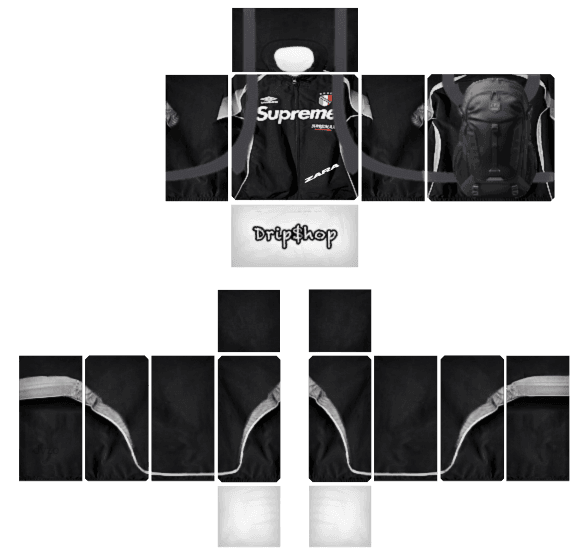
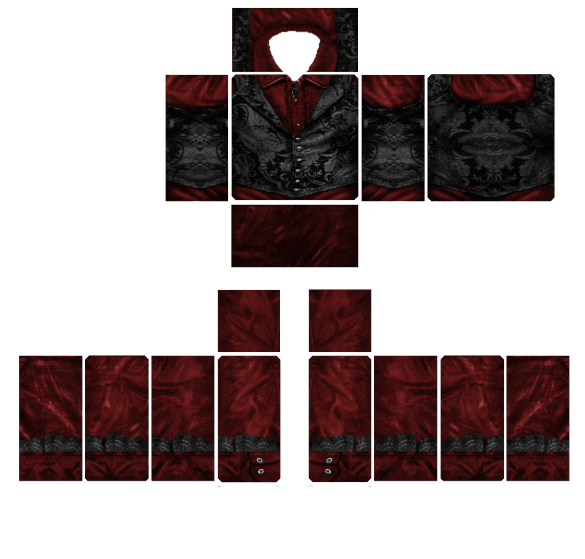
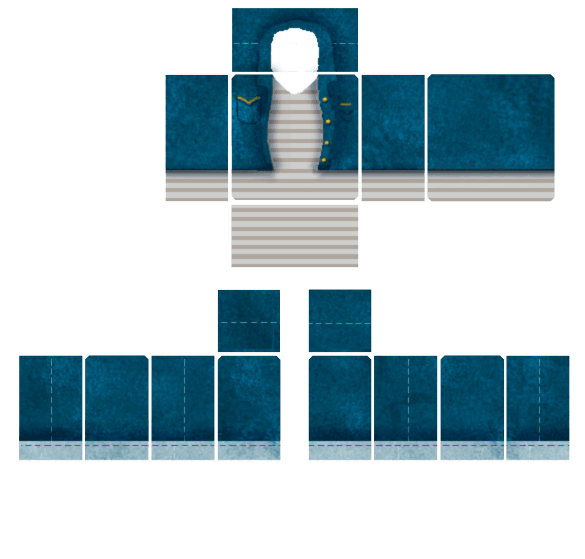
Shirt Grid585×559
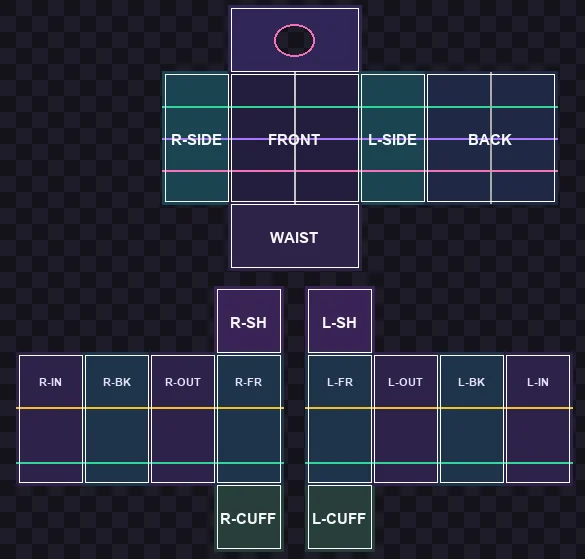
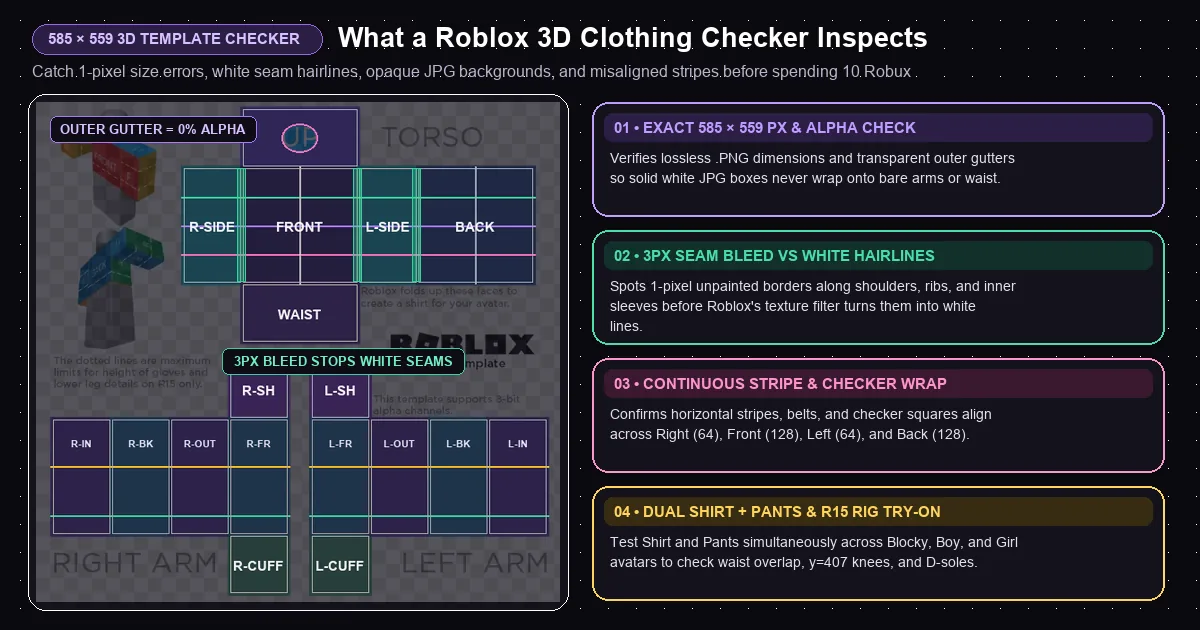
Shirt Seam Crosshair Calibration Grid PNG
Color-coded torso and sleeve calibration grid with three continuous horizontal bands to verify Right, Front, Left, and Back seam alignment.
585 × 559 PNGTorso Crosshairs3px Seam Bleed
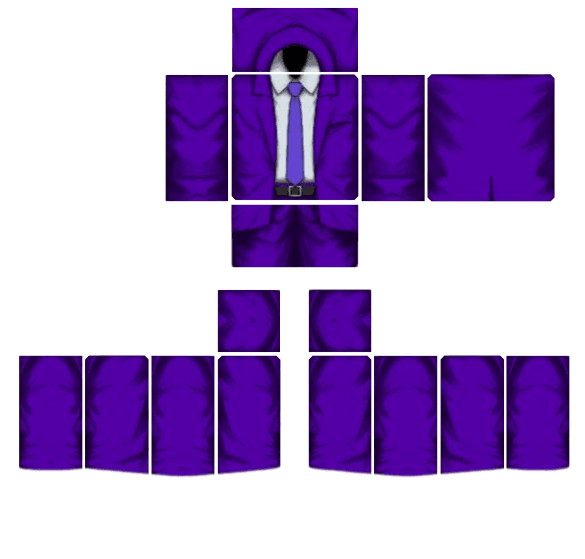
What is a Roblox template checker and what exact template size does it inspect? Every classic 2D Roblox Shirt and Classic Pants file is built on an identical 585 × 559 pixel canvas saved as an 8-bit transparent .PNG. On that flat 585 × 559 Roblox shirt template size, your torso panels (128 × 128 px front/back and 64 × 128 px sides) sit completely detached from the eight 64 × 128 px arm or leg strips—making it nearly impossible to spot a 2-pixel stripe offset or white seam gap in a flat 2D paint app.
Because Roblox Creator Hub charges a non-refundable 10 Robux upload fee per item, smart designers always run their PNG through a Roblox template tester first. Using the BloxLux Free Instant 3D Clothing Checker Tool right below, you can upload both a Shirt and Pants file for an instant Roblox template try on, automatically verify pixel dimensions and alpha transparency, and spin 360 degrees across Blocky, Boy, and Girl avatars before spending a single Robux.
Upload a Shirt PNG, a Pants PNG, or both together to test full outfits in real time—or click through our five seam diagnostic presets below.
Even experienced clothing creators miss tiny alignment errors when staring at flat 2D rectangles. Loading your draft into a Roblox shirt template checker exposes all six of these Robux-wasting bugs in less than ten seconds.
| Common Upload Bug | How It Looks in 3D | Fast Fix Before Uploading |
|---|---|---|
| 0px Bleed Inside Wireframe | Glowing white hairline cracks along shoulders, ribs, and cuffs | Extend solid base colors 2 to 3 pixels outside every UV box border |
| Saved as .JPG Instead of .PNG | Cropped midriffs, neck scoops, and bare arms turn solid white | Export strictly as 8-bit RGBA transparent PNG at 585 × 559 px |
| Unhidden R15 Guide Layer | Red, blue, and green wireframe labels wrap around shoulders | Hide or delete the bottom template guide layer right before export |
| Misaligned Side-Rib Stripes | Horizontal stripes or belts jump up/down at left and right ribs | Keep identical Y coordinates across Right, Front, Left, and Back |
| Unmirrored Sleeve or Shoe Logos | Outer swoosh or arm patch faces backward on one limb | Mirror outer graphics between Right R (151..214) and Left L (374..437) |
| Unpainted 64×64 D-Sole Boxes | Bare avatar skin flashes under shoes whenever jumping | Fill both bottom D squares at (217, 485) and (308, 485) with 3px bleed |
Drop these exact 585 × 559 transparent PNG calibration grids into Photopea, Paint.NET, Procreate, or IbisPaint X—or load any card straight into our Roblox shirt template tester above—to line up stripes, checkered squares, and 3-pixel seam bleeds with zero guesswork.
Color-coded torso and sleeve calibration grid with three continuous horizontal bands to verify Right, Front, Left, and Back seam alignment.
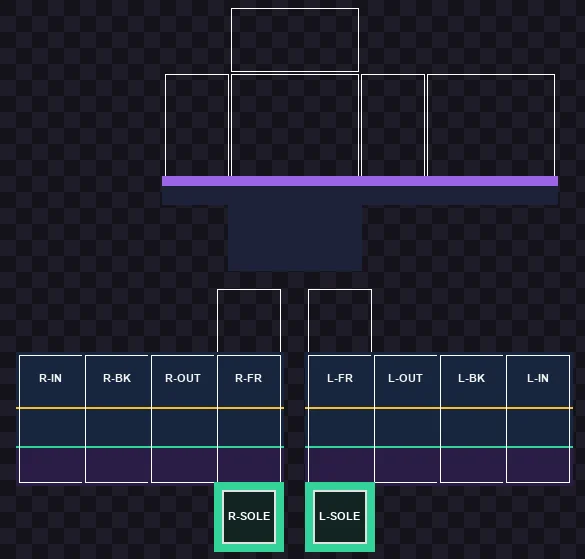
Pre-marked Classic Pants checker grid showing the waist band, R15 knee and ankle bend lines, mirrored leg strips, and both 64 × 64 foot soles.
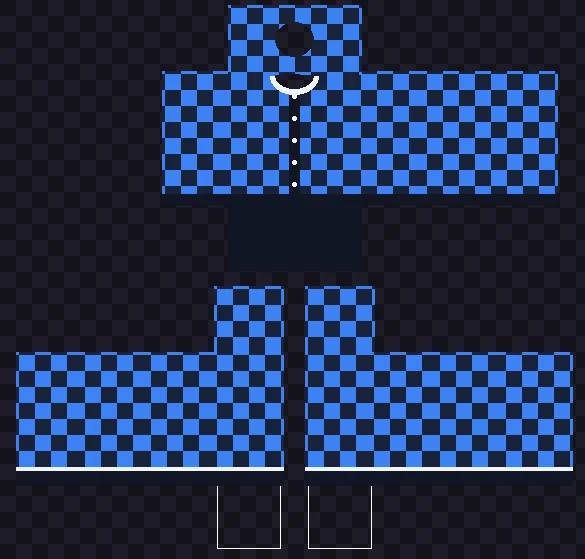
Ready-to-wear cobalt blue and navy checkered shirt aligned mathematically to 16px divisions so every square wraps cleanly across side seams.
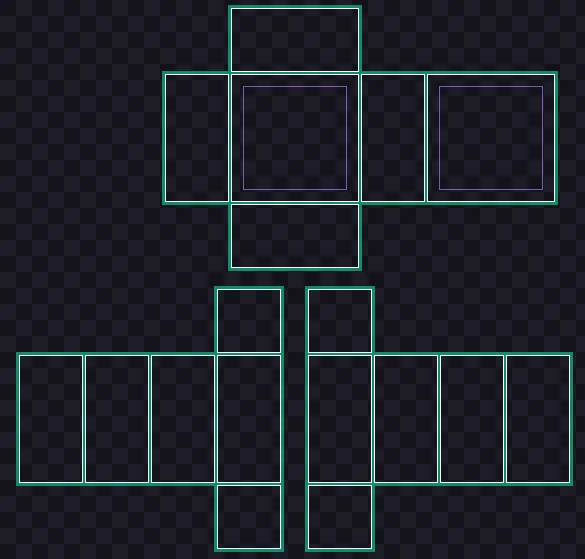
Drop this transparent border mask above your artwork in Photopea or IbisPaint X to verify your base color extends 3 pixels outside all 18 boxes.
Traditionally, testing clothing required opening desktop Roblox Studio, spawning an R15 dummy rig from the Avatar toolbar, inserting a Shirt or Pants instance inside Explorer, and pasting a local file into ShirtTemplate. Using a dedicated browser Roblox template viewer speeds that loop up tenfold—especially on phones and tablets.
More than half of modern Roblox clothing designers paint in IbisPaint X or Procreate on iOS, Android, or Chromebooks where desktop Roblox Studio cannot be installed. An in-browser Roblox shirt template viewer runs natively in mobile Safari and Chrome—letting you export from IbisPaint X and check 3D seams in three taps.
Single-file viewers cannot show whether a cropped Y2K baby tee or hoodie waistband collides with your belt buckle. Running a dual Roblox template try on with both 585 × 559 layers active lets you match denim fades, pocket chains, and custom sneakers as one cohesive outfit.
Uploading test drafts to public decal libraries risks exposing unfinished commissions before your group drop goes live. Our browser Roblox clothing template tester decodes your PNG strictly inside local device RAM—nothing is stored remotely until you choose to save or edit inside your private workspace.
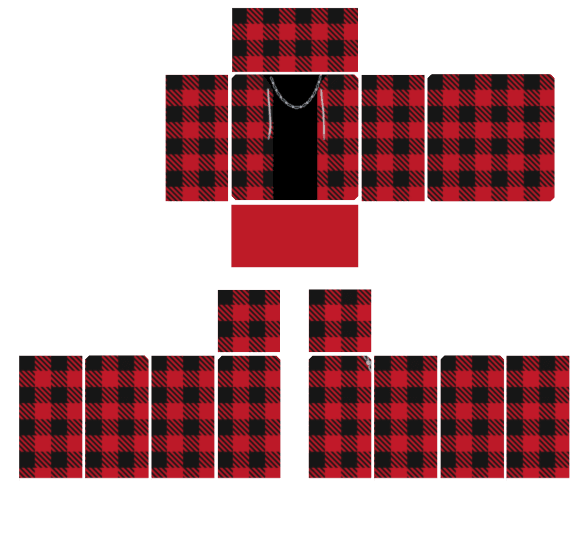
Repeating patterns—such as a Roblox blue checker shirt template, flannel plaid, or horizontal rugby stripes—are the fastest way to spot whether your UV grid math is accurate. Because Front and Back Torso measure 128 px wide while Right and Left Torso measure 64 px wide, grid square widths of 8 px, 16 px, or 32 px divide evenly across every vertical seam without cutting squares in half at the ribs.
Before submitting your texture under Creations → Avatar Items → Classics on create.roblox.com, confirm five quick checks inside our Roblox template checker. Verify exact 585 × 559 PNG dimensions, confirm outer gutter pixels read 0% alpha, inspect both armpits and shoulder caps for white hairlines, tilt under the pedestal to verify painted 64 × 64 soles on Classic Pants, and switch across Blocky, Boy, and Girl bodies once before publishing.
Need an even larger full-window canvas—or want to jump straight from seam checking into painting wrinkles and Multiply shading overlays? Here is how creators combine bloxlux.com/clothing-previewer with bloxlux.com/editor.
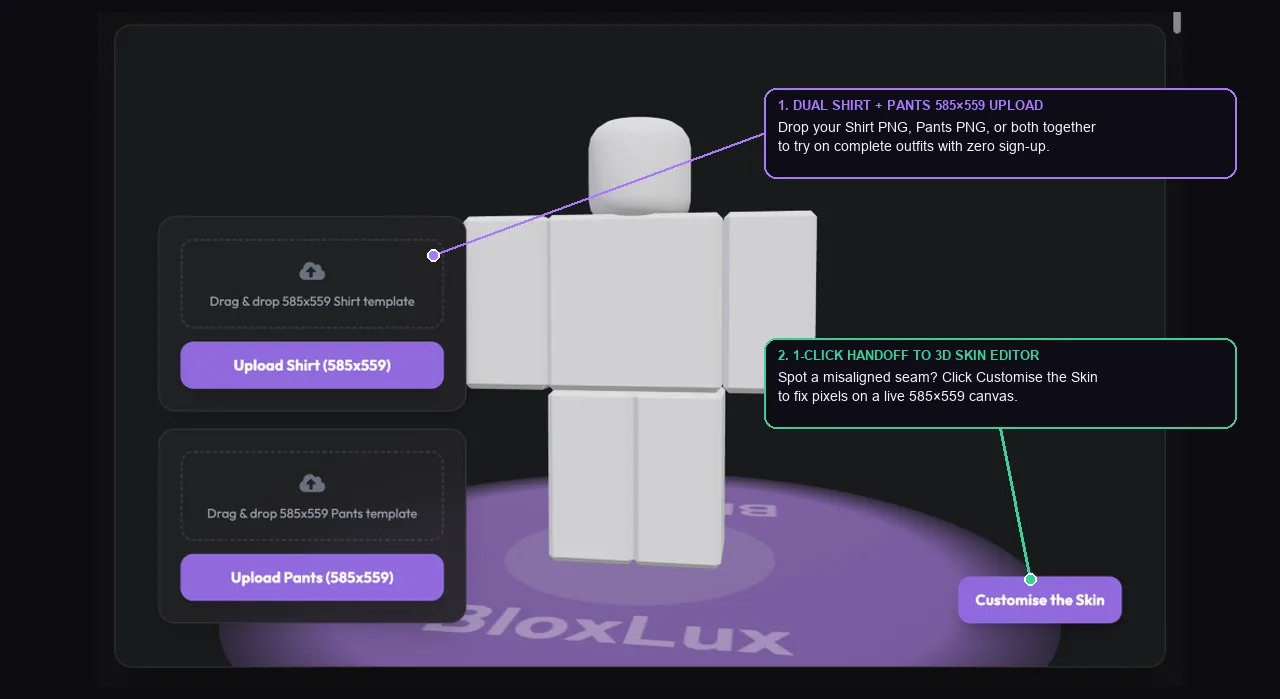
Open the full-screen BloxLux Clothing Previewer—or use the embedded 3D checker directly on this page—and drop your exported 585 × 559 Shirt and Pants PNG files into the upload cards. Your textures render locally inside your browser in under a second with no account required.
Compare flat 2D UV maps with finished 3D wraps below, or click Remix in 3D to customize any pre-validated 585 × 559 outfit.