
Roblox Clothing
Previewer
Preview and visualize your Roblox clothing designs in real-time 3D before uploading. Perfect your shirts and pants with instant feedback on our interactive character model.
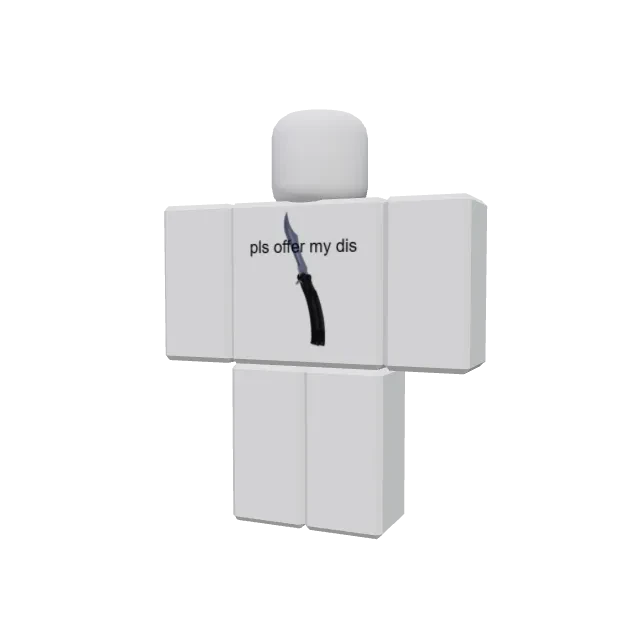
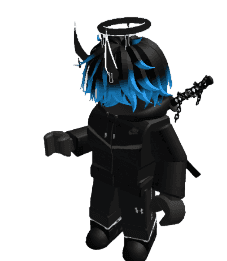
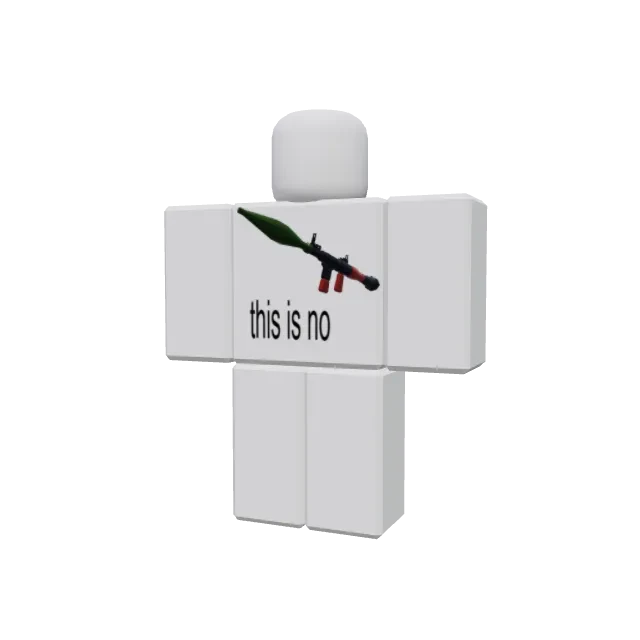
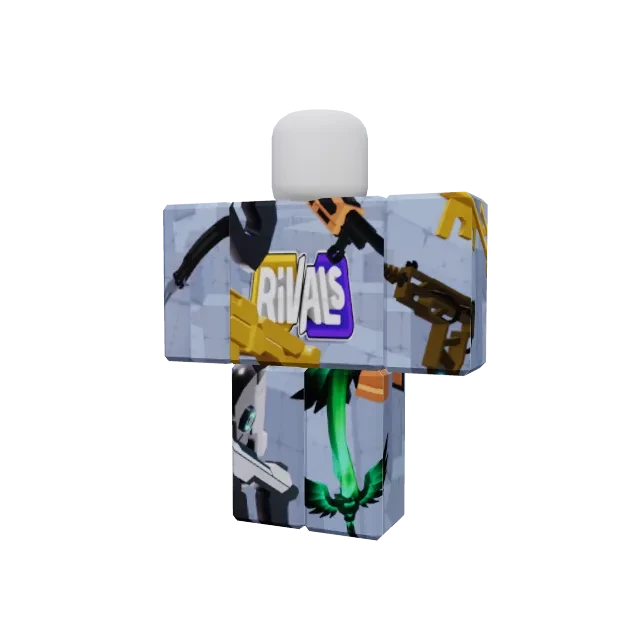
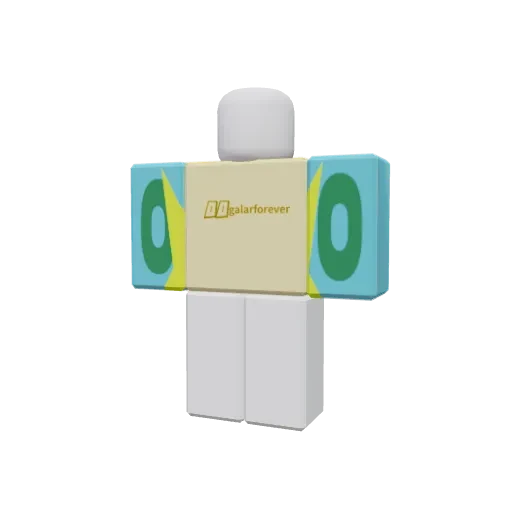
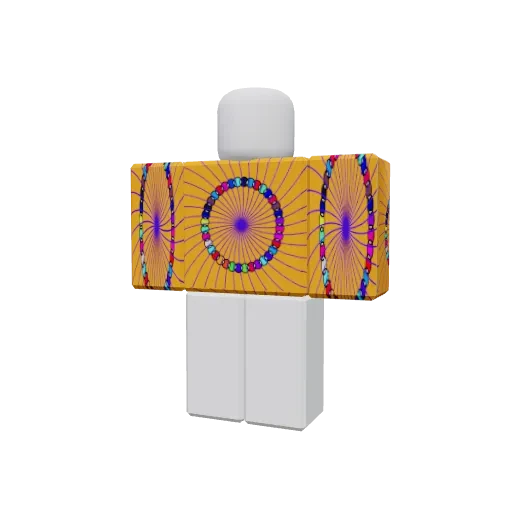
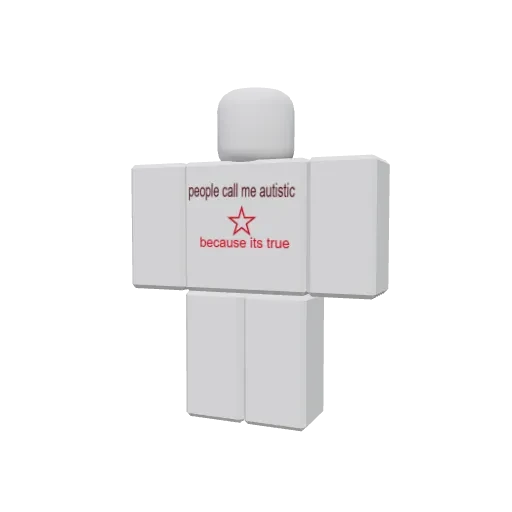
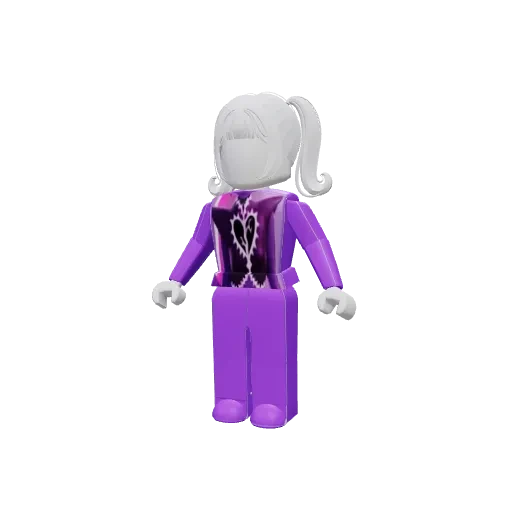
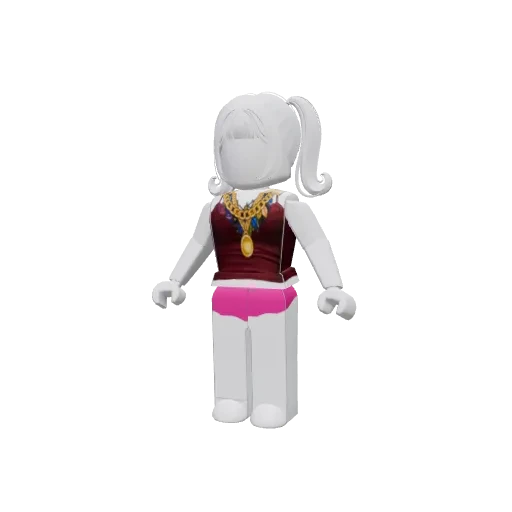
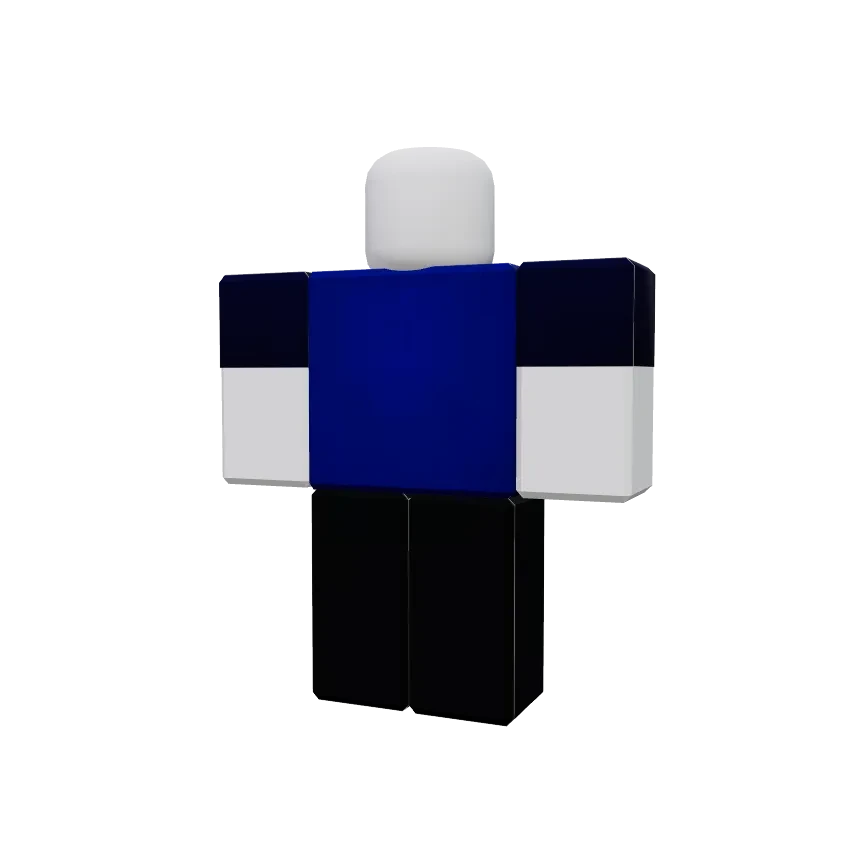
Our Most Popular Skins
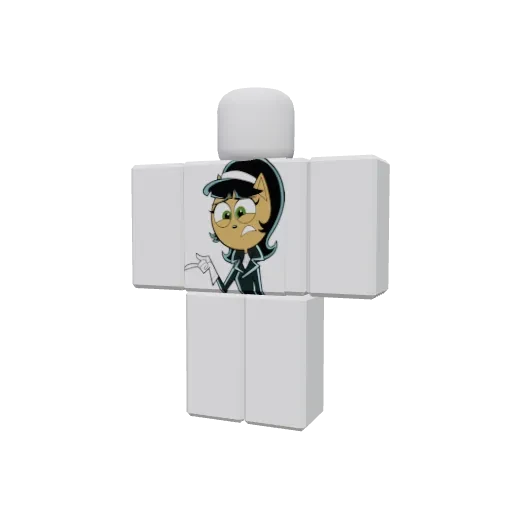
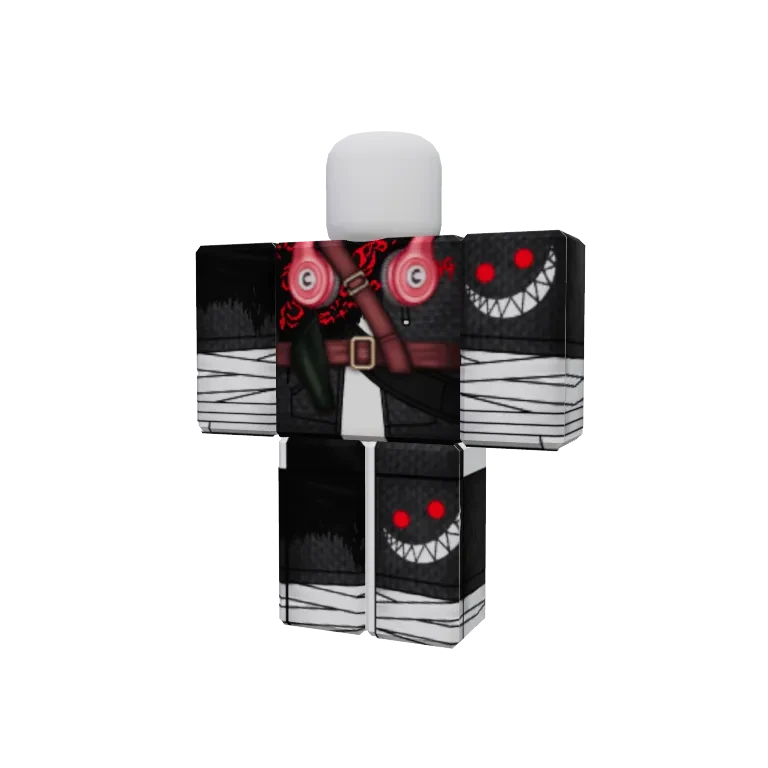
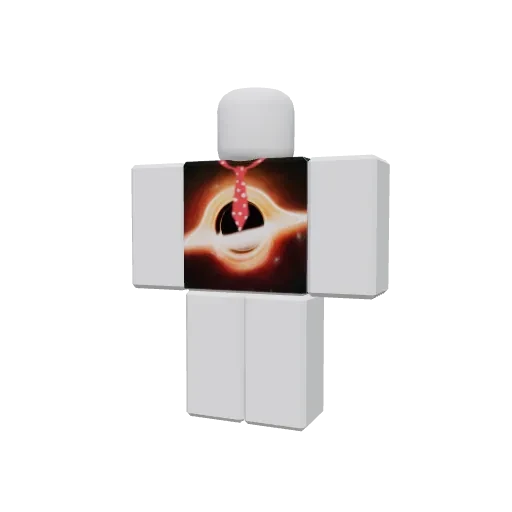
Discover the most popular designs from our community. Get inspired and start creating your own.
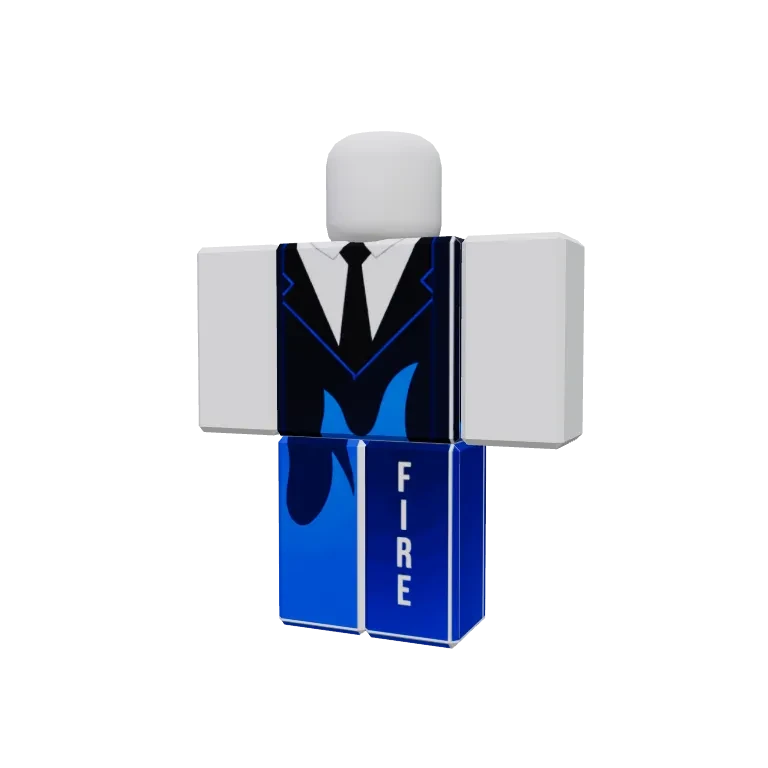
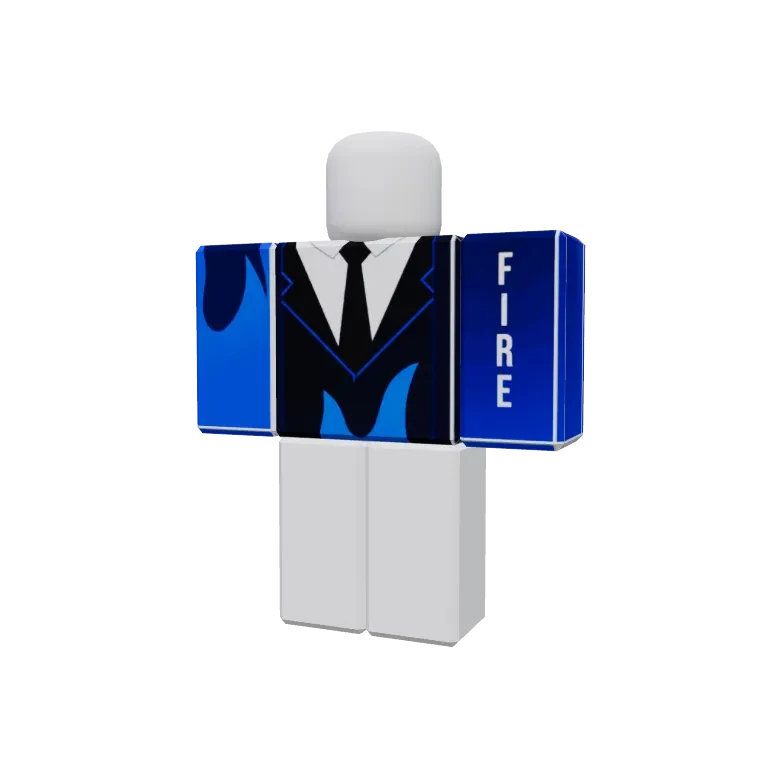
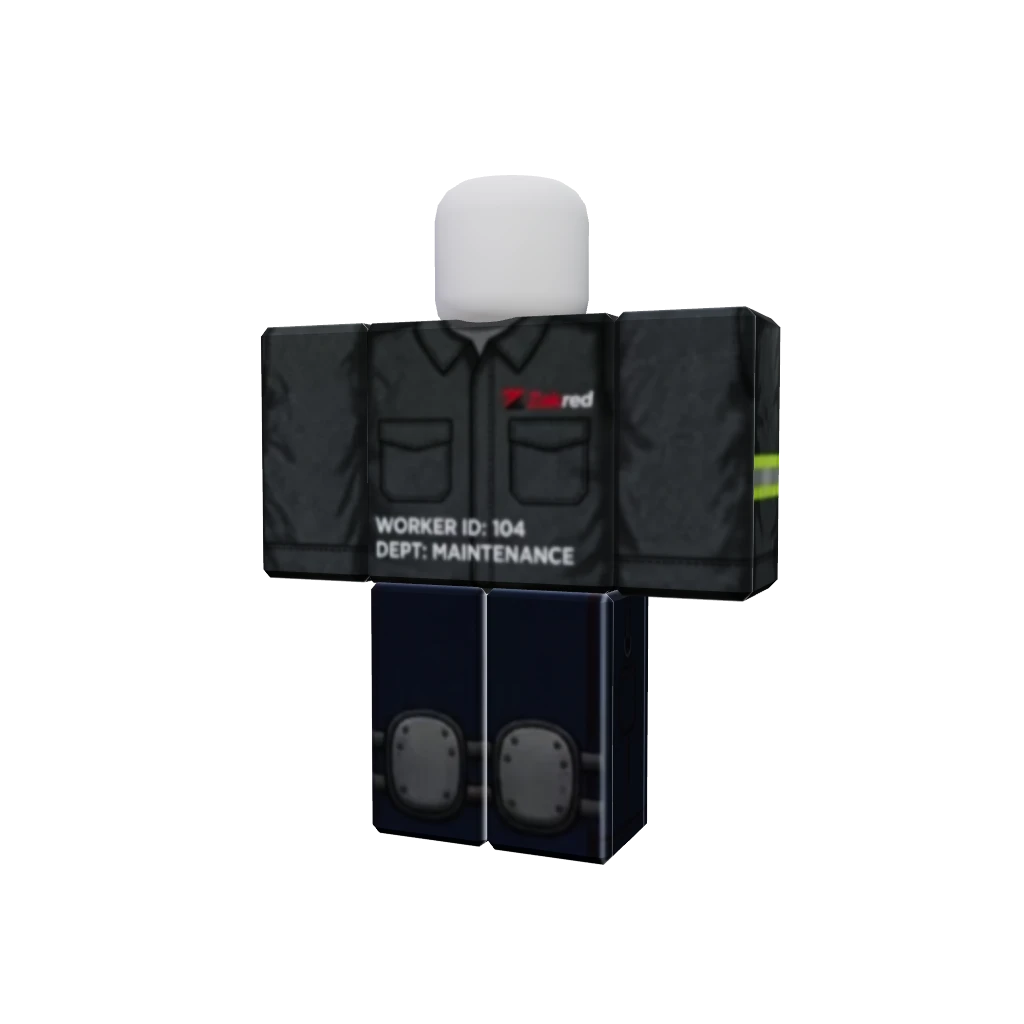

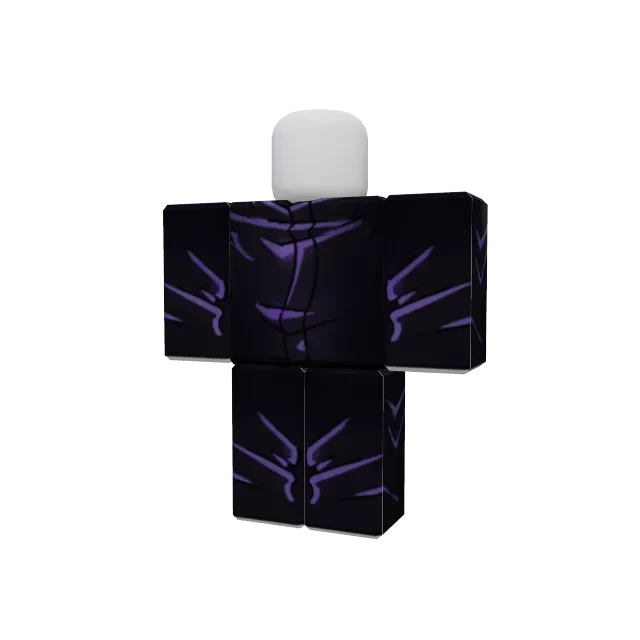


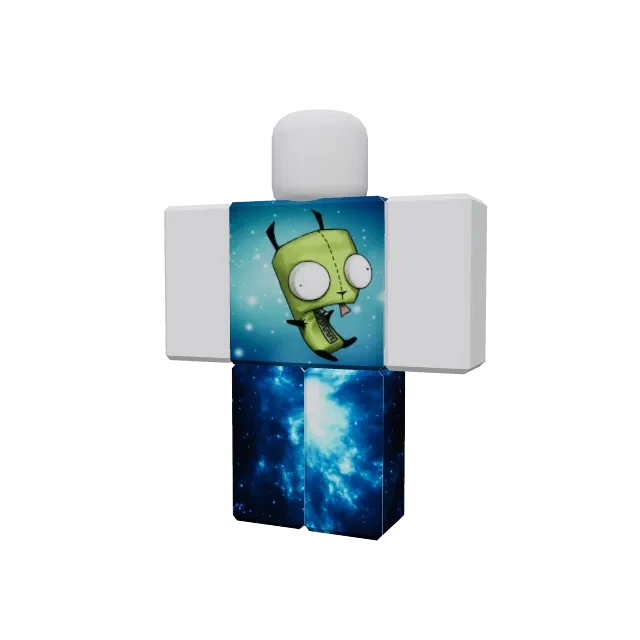

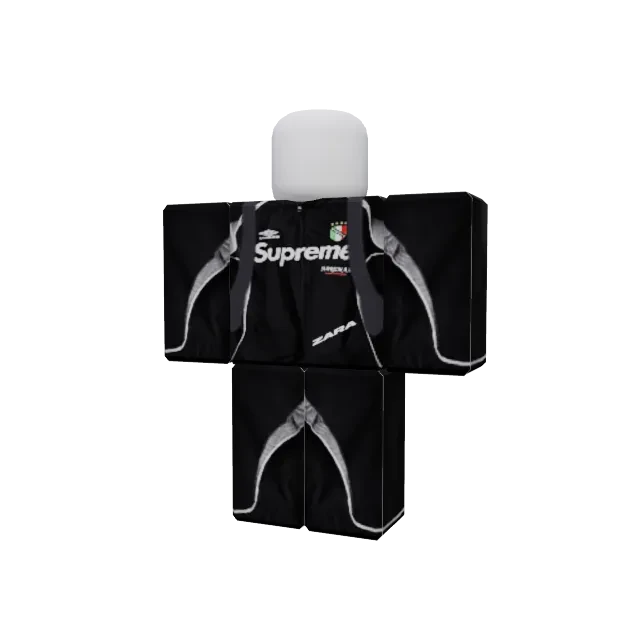

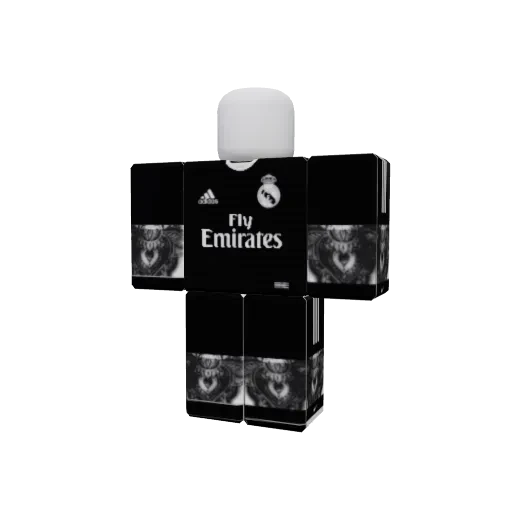
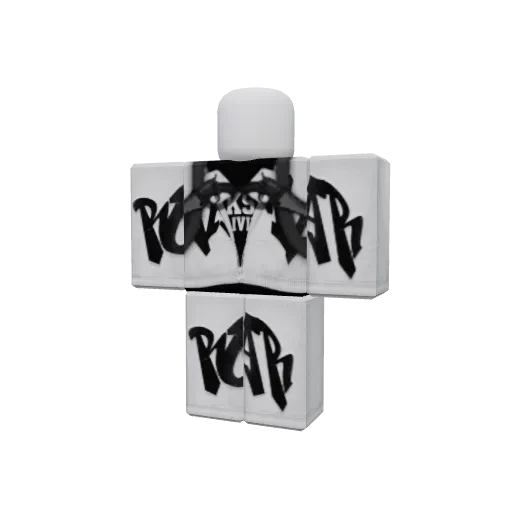


How to Preview Roblox Clothing in 3D
Follow these simple steps to preview and perfect your custom Roblox clothing designs in real-time
Prepare Your Textures
Create or download your shirt and pants texture templates. Use image editing software like Photoshop, GIMP, or Paint.NET to design your clothing. Ensure your textures are in PNG format with dimensions of 512x512 or 1024x1024 pixels for optimal quality.
Upload Your Designs
Click the "Upload Shirt" or "Upload Pants" buttons in the preview widget. Select your texture files from your computer. You can upload both shirt and pants textures separately, or just one at a time to preview individual items.
Frequently Asked Questions
Everything you need to know about our Roblox clothing previewer tool
Our clothing previewer supports all common image formats to give you maximum flexibility:
- •PNG (Recommended) - Best for designs with transparency and sharp edges. Supports alpha channels for layering effects.
- •JPG/JPEG - Good for photographic textures, but doesn't support transparency.
- •GIF - Supported but not recommended for final designs due to limited color palette.
- •WebP - Modern format with excellent compression and quality balance.
💡 Pro Tip: Always use PNG format with transparent backgrounds for the best results and maximum compatibility with Roblox.
Uploading your custom clothing textures is simple and intuitive:
- 1.Locate the upload panels on the left side of the 3D preview widget. You'll see two separate upload areas - one for shirts and one for pants.
- 2.Click the "Upload Shirt" or "Upload Pants" button depending on which item you want to preview.
- 3.A file browser will open. Navigate to your texture file and select it. Alternatively, you can drag and drop your file directly into the upload area.
- 4.The texture will be instantly applied to the 3D model, and you'll see a confirmation with the filename displayed.
You can upload both shirt and pants textures independently or together. The preview updates in real-time, so you can immediately see how your design looks on the character model.