Large Squares128 × 128 px
Torso Front and Back
Front sits at x=231..358, y=74..201 (centerline x=295) and Back sits at x=427..554, y=74..201. Keep main chest logos inside a 96 × 96 safe zone so side seams never clip letters.
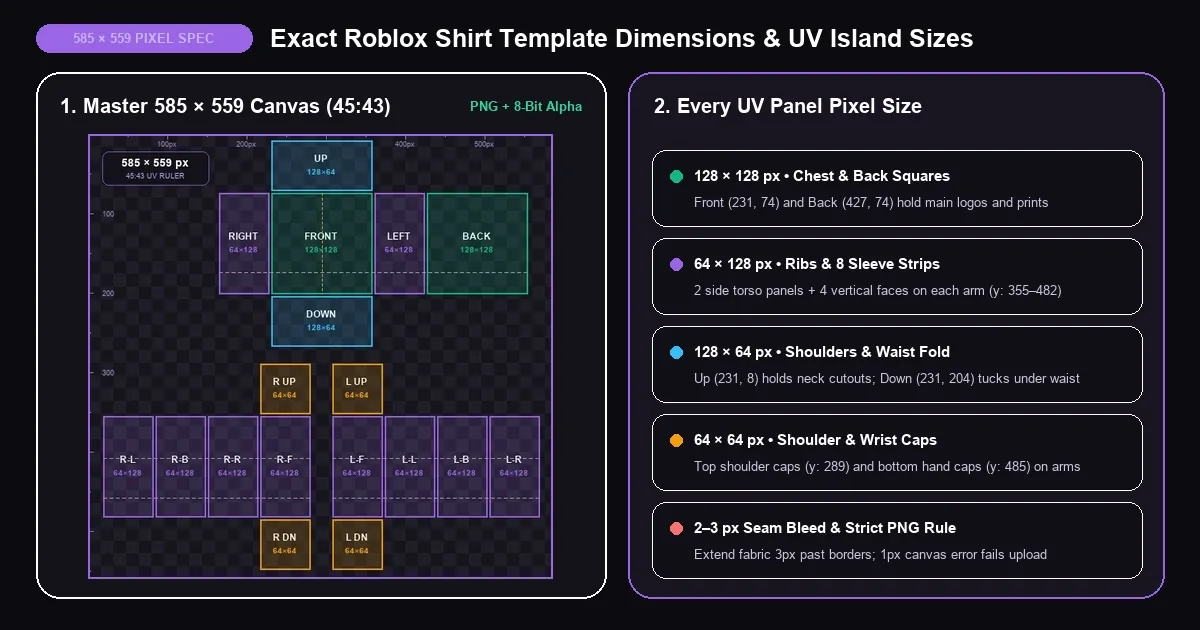
What is the official Roblox shirt template size? Every classic 3D shirt on Roblox uses a flat, unwrapped image measuring strictly 585 pixels wide by 559 pixels tall (585 × 559 px) saved as a transparent .PNG file. Instead of pasting a single picture onto the chest, Roblox slices that 585 x 559 Roblox shirt template into 18 connected rectangles and folds them around your avatar's front, back, ribs, shoulders, and both arms like a tailored paper box.
Getting Roblox shirt template dimensions exact down to the last pixel is not optional. Roblox Creator Hub runs an automated resolution gate the moment you select a file—so if a drawing app, phone gallery, or Discord chat nudges your canvas even one pixel off to 586 × 560, your upload is instantly blocked. Below, you can understand every panel measurement, verify or auto-resize any file in our BloxLux Automatic 585x559 Canvas Validator, and grab clean pixel-ruler and shading grids.
When creators look up Roblox template size or Roblox clothing template size, confusion usually starts because Roblox supports three classic 2D clothing types—and one of them uses a completely different canvas shape from the other two.
| Avatar Asset Class | Required Pixel Size | Aspect Ratio | 3D Body Coverage | Upload Fee |
|---|---|---|---|---|
| Classic Shirt | 585 × 559 px (Strict) | 45 / 43 | 18 UV boxes — Torso + Left & Right Arms | 10 Robux |
| Classic Pants | 585 × 559 px (Strict) | 45 / 43 | 18 UV boxes — Waist/Torso + Left & Right Legs | 10 Robux |
| Classic T-Shirt | 512 × 512 px (up to 1024 × 1024) | 1 / 1 Square | Single flat decal on 128 × 128 front chest | 0 Robux personal |
| Shading Overlay | 585 × 559 px | 45 / 43 | Multiply wrinkle & shadow layer over Shirts/Pants | Merged before export |
Drop any Roblox shirt template 585 x 559 file—or a 2× high-res sketch—below. Everything runs privately inside your browser to verify exact pixel dimensions, PNG format, and background transparency, with one-click resizing to 585 × 559 and live 3D avatar wrapping.
1. Confirms exact 585 × 559 px canvas bounds (or detects 2× 1170 × 1118 HD files and downscales them cleanly).
2. Verifies lossless .PNG encoding and checks corner alpha pixels so white boxes never cover your avatar's skin.
Even though the overall canvas measures 585 × 559 pixels, more than half of that sheet is empty outer margin that Roblox never renders. All visible clothing lives inside 18 rectangular UV panels built from just four standard pixel block sizes separated by 2-pixel wireframe borders.
Front sits at x=231..358, y=74..201 (centerline x=295) and Back sits at x=427..554, y=74..201. Keep main chest logos inside a 96 × 96 safe zone so side seams never clip letters.
Covers Torso Right (x=165..228) and Left (x=361..424), plus all 8 vertical sleeve faces at y=355..482. Leave y=419..482 transparent for short-sleeve tees.
Up (x=231..358, y=8..71) wraps across the top of the shoulders—erase a centered oval here for crew or V-neck collars. Down (y=204..267) tucks underneath the waist.
Arm Up (y=289..352) caps the top of each shoulder, while Arm Down (y=485..548) covers the flat palm—leave Arm Down clear unless making fingerless gloves.
Both classic R6 blocky rigs and 15-part R15 avatars share the exact same 585 × 559 PNG. On R15 characters, Roblox splits Upper and Lower Torso around y=174 and bends elbows/wrists near y=408 and y=458—keep fine text slightly above or below those bend lines so letters stay crisp during emotes.
When Roblox compresses avatar textures in-game, stopping your brush right inside the white wireframe edge lets empty background pixels bleed into shoulder and rib joins. Always paint your base fabric 2 to 3 pixels outside each box border for seamless 3D edges.
Every template below—including our borderless Roblox shading template 585 x 559 overlay—is saved with a true 8-bit transparent alpha channel so you never fight fake checkerboard backgrounds or off-by-one canvas errors.
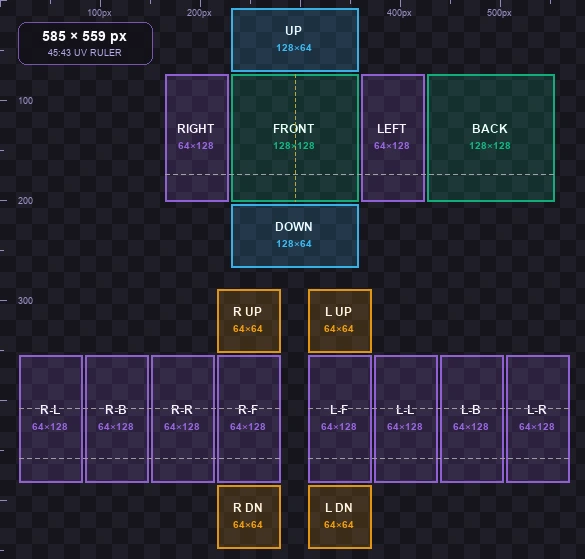
Marks every 128×128, 64×128, 128×64, and 64×64 block with pixel rulers, chest centerline (x=295), and R15 joint splits.
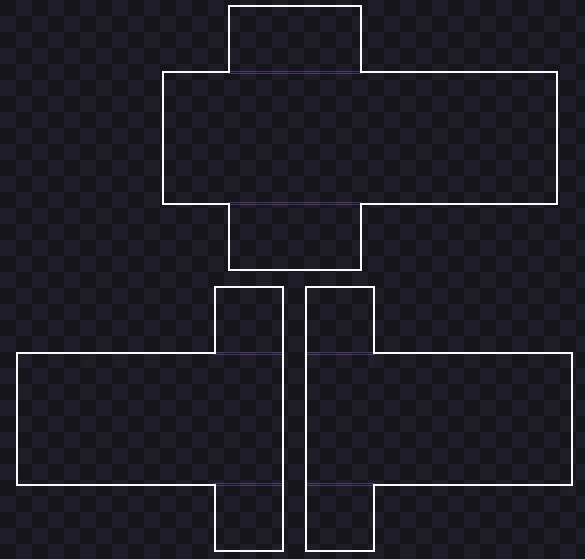
Official 2px panel borders paired with an outer 3-pixel bleed outline so you know how far to extend fabric colors past seams.
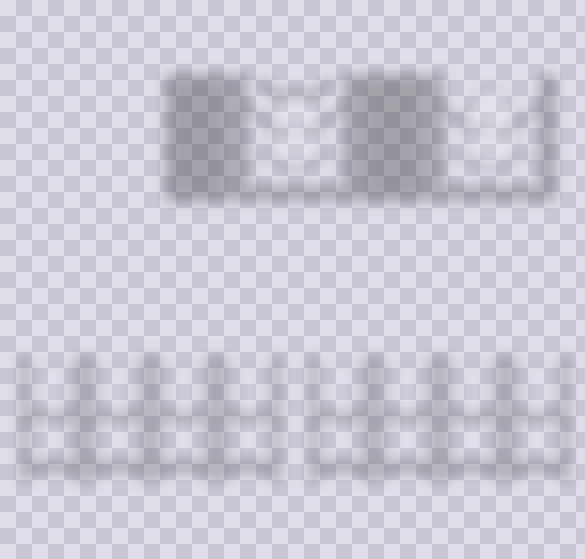
Pre-aligned cotton folds, collarbone highlights, and wrist creases locked to exact 585×559 coordinates with zero black grid lines.
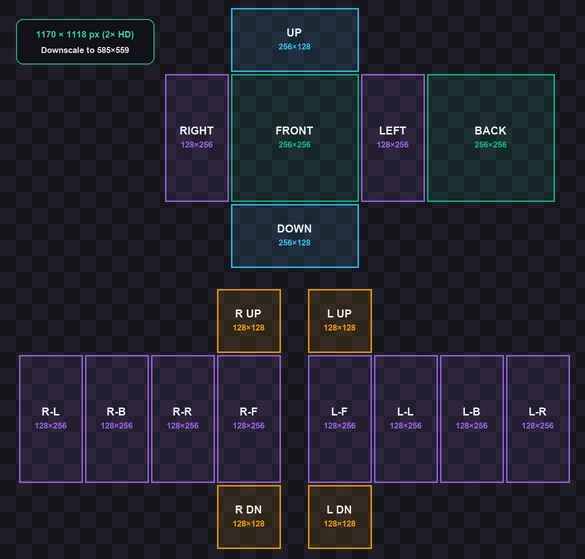
Doubled canvas for sketching crisp logos in Procreate or Photoshop—drop your finished file into our validator above to export at 585×559.
Nearly every Creator Hub upload rejection comes down to three hidden export traps in outside apps—all of which disappear when you build or verify inside bloxlux.com/editor and bloxlux.com/clothing-previewer.
Because a 128 × 128 chest square feels tight when sketching detailed anime art or gothic text, pro designers often work on a 2× canvas (1170 × 1118 px). Just remember to downscale back to 585 × 559 px before uploading—Roblox rejects raw 2× files.
Roblox only checks raw pixels, never print DPI. However, if your document units are set to inches or millimeters and you export at "300 DPI Print," your app multiplies the canvas to 2438 × 2329 px. Always set canvas units strictly to Pixels (px) at 1× scale.
Long-pressing an image inside Discord, Reddit, or a mobile browser often saves a compressed WebP preview or rescales width to 700 px while filling transparent skin cutouts with white. Always transfer raw .png files or export straight from BloxLux.
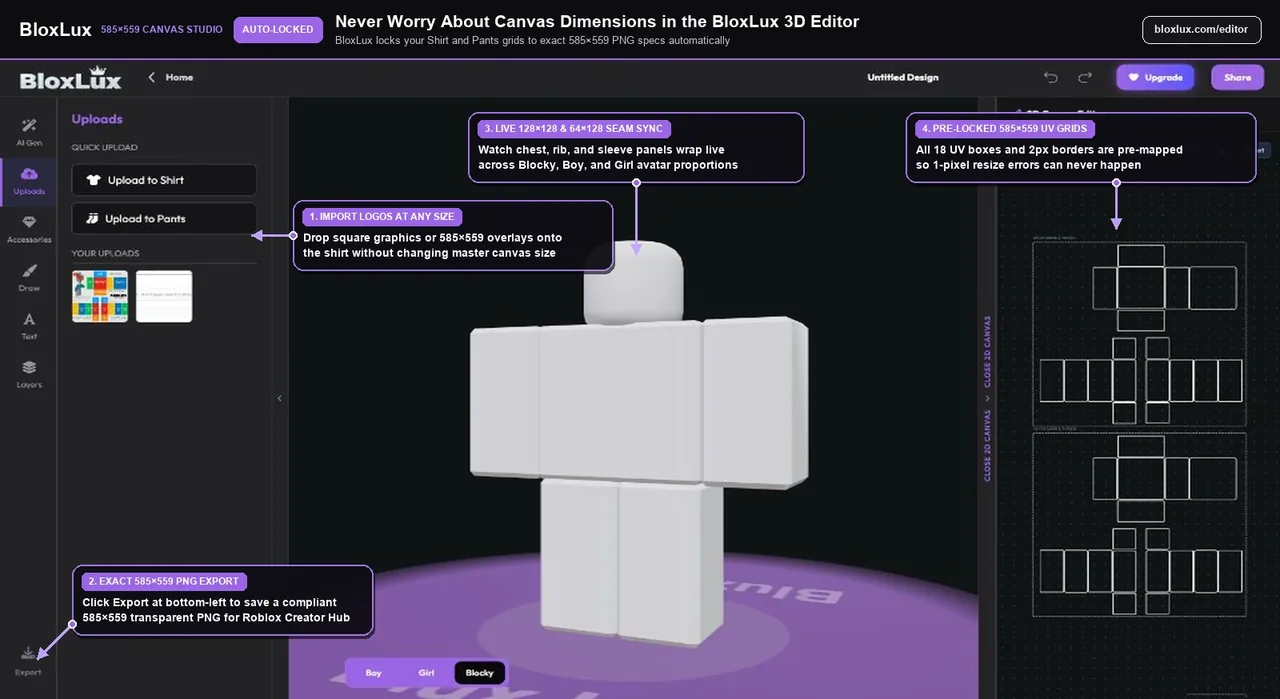
Instead of typing width and height numbers into an external paint app—or risking an accidental 1-pixel crop—open the BloxLux 3D Editor. Your 2D workspace is permanently locked to Roblox’s 585 × 559 specification while syncing every brush stroke to a live 3D avatar.
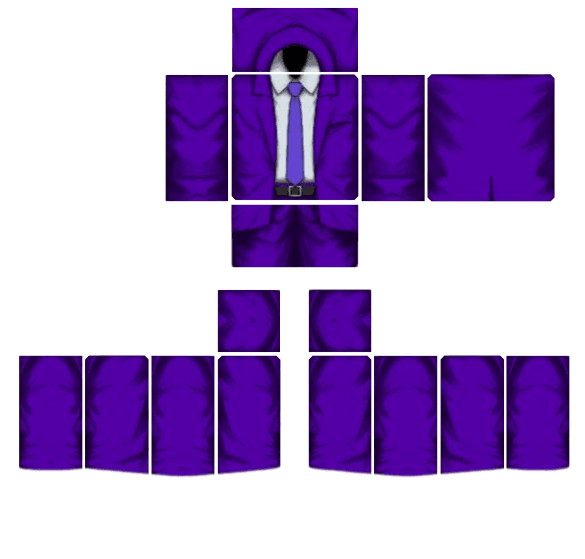
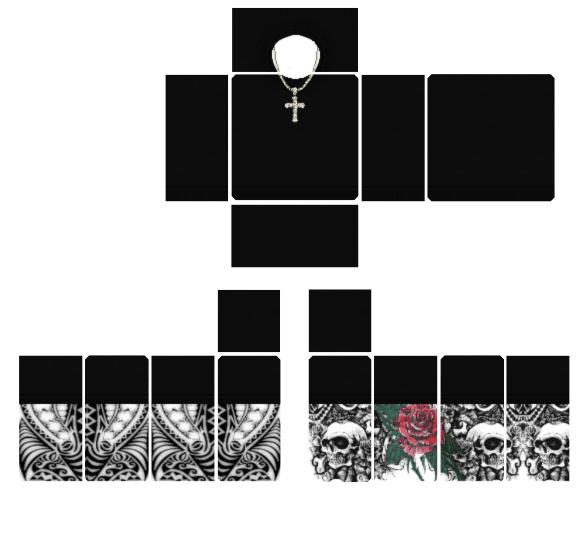
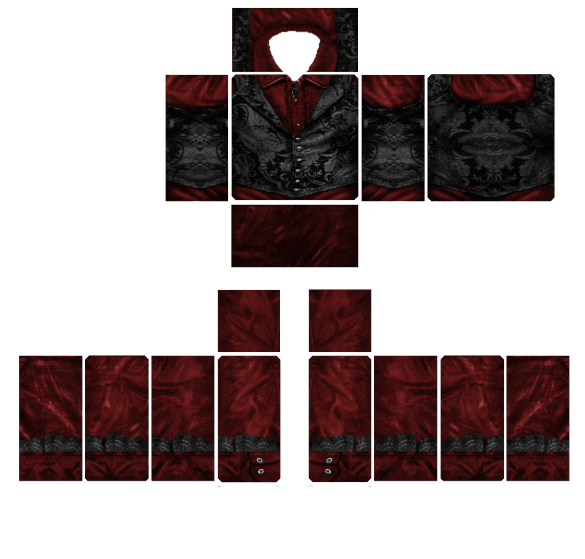
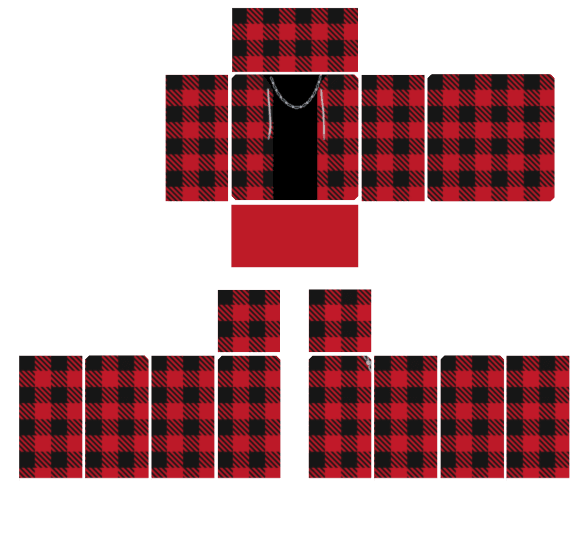
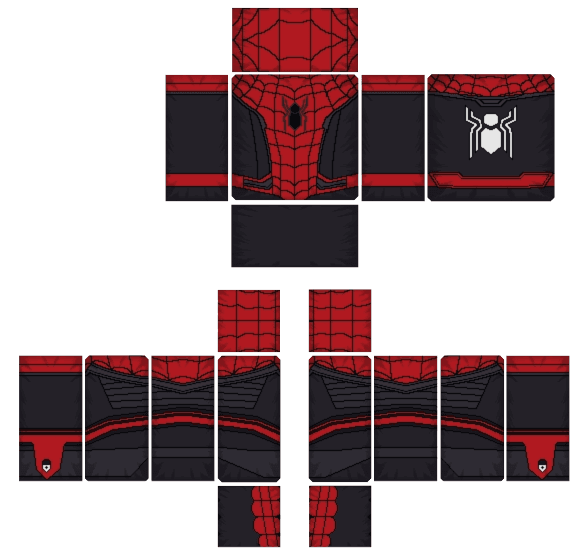
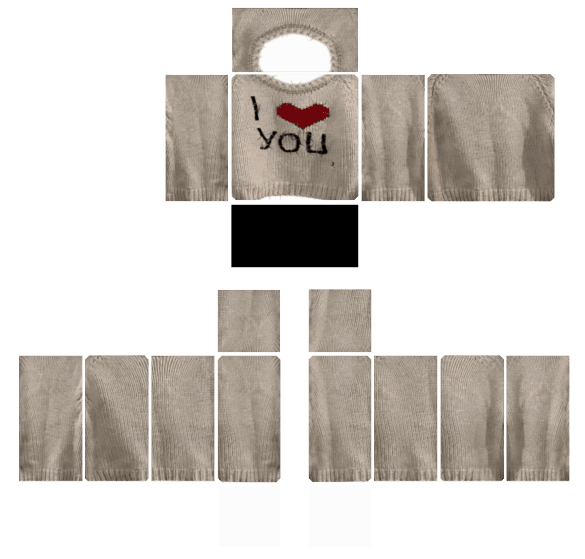
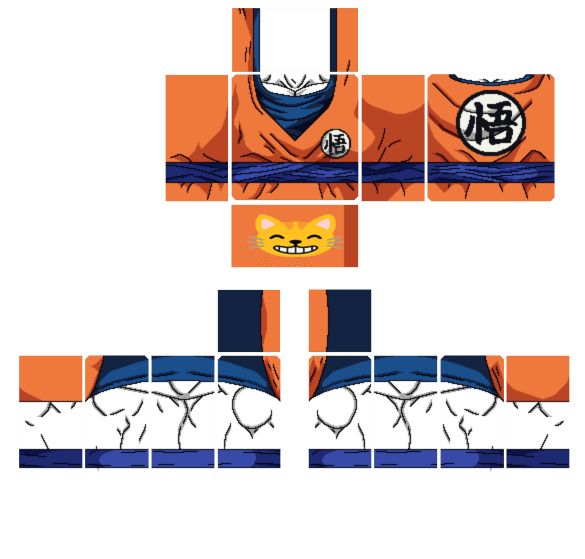
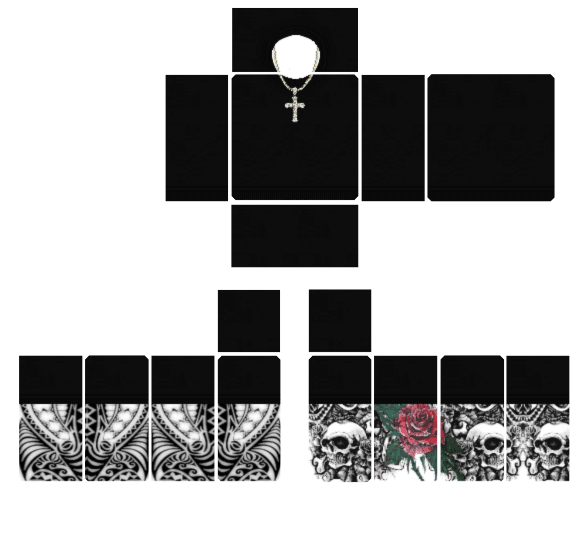
Start from an already calibrated 585 × 559 Classic Shirt below—toggle between flat 2D UV layout and 3D Avatar view, or click Remix in 3D to customize it.