BloxLux logo
BloxLux icon

Create

Templates

Collections

Join Discord

BloxLux logo
BloxLux icon

Create

Templates

Collections

Join Discord

HomeTemplatesRoblox T Shirt Template vs Classic Shirt and How They Work
512 × 512 Front Decal vs 585 × 559 3D Shirt Wrap

Roblox T Shirt Template vs Classic Shirt and How They Work

5 Transparent 512×512 PNGs Included•0 Robux Personal T-Shirt Uploads•Chest Tattoos, Chains & 3D Tees

Almost everyone who starts making custom avatar clothes hits the exact same surprise on day one. You search for a Roblox t shirt template expecting a normal short-sleeve shirt, upload your design, put it on your character, and spin the camera around—only to realize your avatar's back, sides, and arms are completely bare. Or even worse, your logo shows up with an awkward white box stuck across your chest because the file was not saved as a Roblox t shirt template transparent PNG.

That happens because Roblox uses the word "T-Shirt" very differently from real life. Inside Roblox, a Roblox t-shirt template is strictly a flat 512 × 512 pixel front-chest sticker, while an actual short-sleeve graphic tee that wraps around your shoulders and arms is built on a 585 × 559 pixel Classic Shirt layout. Once you see how both formats work—and how they layer together—you can upload chest tattoos, chains, and clan badges for 0 Robux, or convert any square decal into a full 3D shirt inside our BloxLux Graphic Decal to 3D Shirt Converter.

Open 3D Shirt EditorOpen 3D Clothing Previewer
Two Different Avatar Item Classes

How a Roblox T Shirt Template Differs From a Classic Shirt

When you open your Roblox Avatar menu under Classic Clothing, you will see separate tabs for Classic T-Shirts and Classic Shirts. Even though their names sound almost identical, Roblox treats one like a flat front poster and the other like tailored 3D cloth.

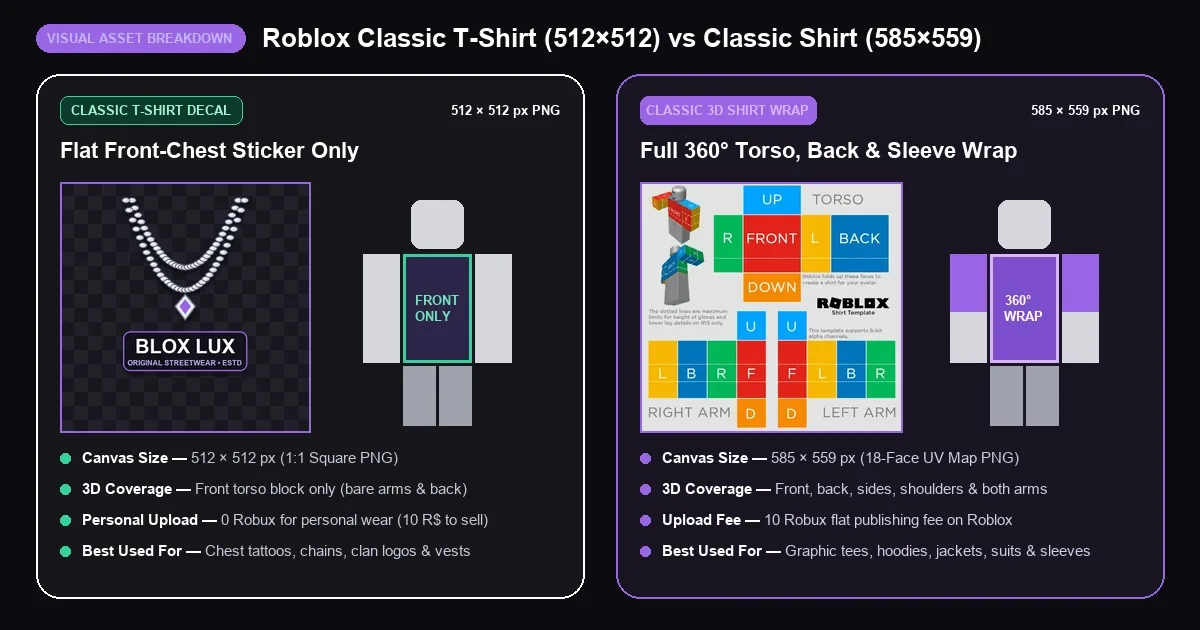
Side-by-side comparison of a 512x512 Roblox Classic T-Shirt front decal versus a 585x559 Classic 3D Shirt wrap
Classic T-Shirt512 × 512 px Square PNG

How the 512x512 Classic T-Shirt Decal Works

A Roblox tshirt template is a simple square image—most creators design at 512 × 512 pixels (or 128 × 128 pixels) so edges stay sharp when Roblox pins it onto the front block of your torso. Nothing in a T-shirt file ever wraps to the sides, back, shoulders, or arms.

Its biggest advantage is cost and layering. Roblox lets anyone upload personal Classic T-Shirts for 0 Robux, and because it renders right in front of your shirt layer, a transparent PNG acts like a wearable sticker for chains, chest tattoos, sports numbers, or group emblems.
Classic Shirt585 × 559 px UV Map PNG

How the 585x559 Classic 3D Shirt Works

Whenever you see a player wearing an actual short-sleeve graphic tee, cropped top, flannel, or hoodie that wraps cleanly around their arms and back, they are wearing a 585 × 559 Classic Shirt template—not a T-Shirt asset.

To make a short-sleeve tee on a Classic Shirt grid, designers paint the torso boxes and only the upper half of the left and right arm strips, leaving the bottom half of the arms transparent so bare forearms show through. Publishing a Classic Shirt costs a flat 10 Robux fee on Roblox.

FeatureClassic T-Shirt (Front Decal)Classic Shirt (3D Clothing Wrap)
Canvas Dimensions512 × 512 px square (maps to 128 × 128 chest)Exact 585 × 559 px multi-box UV grid
Avatar CoverageFront chest rectangle only (no back or arms)Full 360° chest, back, ribs, shoulders, and arms
Personal Upload Cost0 Robux for personal inventory use10 Robux flat upload fee
Marketplace Sale Fee10 Robux to list publicly for saleIncluded in the 10 Robux upload fee
Short-Sleeve TeesNo sleeves possible (arms stay bare)Yes — leave lower half of arm strips transparent
Layering OrderSits on top of bare skin and Classic ShirtsSits over Classic Pants and underneath T-Shirts
Best Use CasesChest tattoos, chains, clan badges, open vestsReal graphic tees, hoodies, suits, sleeve tattoos
Interactive 360° Avatar Test

See Both Templates Wrapped Live on a 3D Roblox Avatar

Switch between the five presets below and drag to spin the avatar around. Compare a front-only T-shirt decal against a chest tattoo, layered chain and vest combos, and a full 585×559 short-sleeve shirt.

Edit in 3D Studio
Preparing 3D Avatar...
Classic T-Shirt alone — art appears strictly on the front chest. Spin the avatar around to see why the back, sides, and arms stay bare.
Ready-to-Use 512 × 512 Alpha PNG Pack

Download Transparent Roblox T Shirt Templates in 512x512 PNG

Every t shirt template for Roblox below is exported at 512 × 512 pixels with a real transparent alpha channel. The checkerboard pattern inside each preview card simply shows you where the background is clear—your downloaded PNG files are 100% see-through and ready for Roblox Creator Hub or our 3D Shirt Editor.

Starter Grid512×512
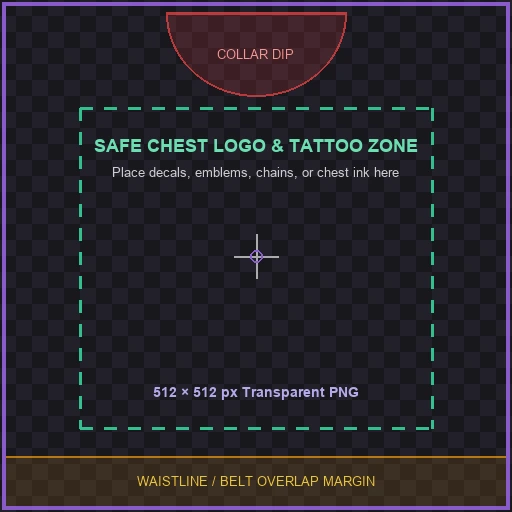
Blank 512x512 Safe-Zone Guide PNG

Blank 512x512 Safe-Zone Guide PNG

Place this guide on a bottom layer in your drawing app so your logo never gets clipped by collars or waistbands, or grab the pure blank 512×512 canvas right below.

512 × 512 PNGAlpha TransparentAlignment Guides
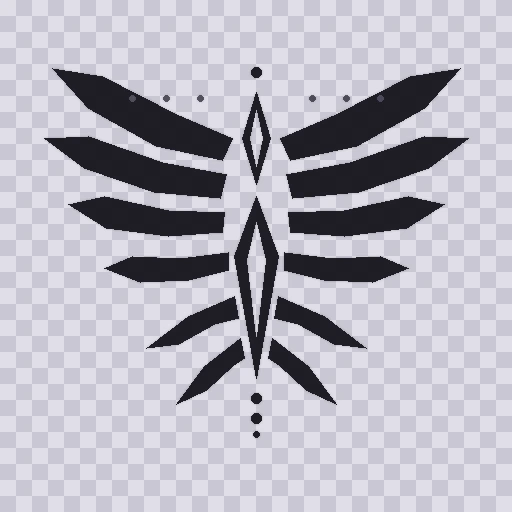
Chest Tattoos512×512
Chest and Collarbone Tattoo Overlay PNG

Chest and Collarbone Tattoo Overlay PNG

Ready-to-upload collarbone and chest tattoo ink on a see-through background. Because empty pixels stay clear, your real avatar torso color shows underneath without white borders.

512 × 512 PNGAny Skin Color0 Robux Personal
Chains & Badges512×512
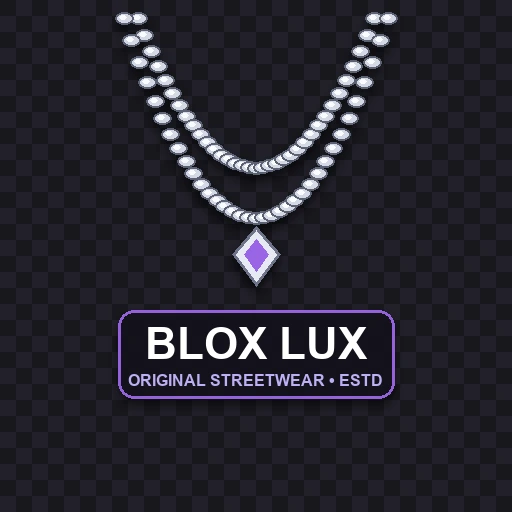
Silver Chain and Streetwear Crest PNG

Silver Chain and Streetwear Crest PNG

Equip this transparent T-shirt on top of any plain black, white, or pastel hoodie in your Roblox inventory to add a shaded silver chain and streetwear badge in seconds.

512 × 512 PNGDrop ShadowsLayers Over Tees
Jacket Layering512×512
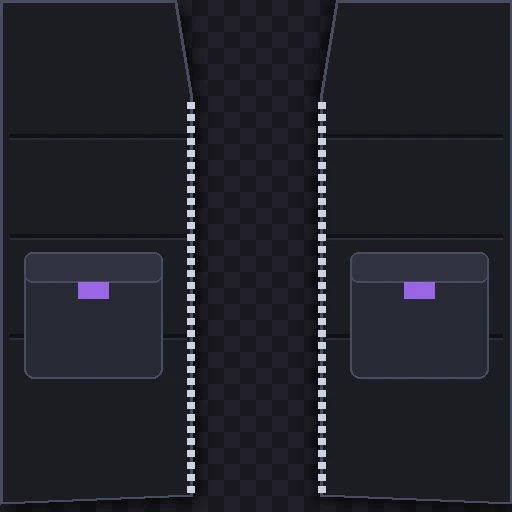
Open Tactical Vest and Zipper Front PNG

Open Tactical Vest and Zipper Front PNG

Turns any solid Classic Shirt underneath into a two-piece layered outfit. The middle chest strip stays transparent so whatever shirt color you wear underneath peeks right through.

512 × 512 PNGCenter CutoutMix & Match
Tattoos, Layering & Creator Hub Uploads

Smart Ways Players Use T Shirt Templates Tattoos and Layering

Even veteran clothing creators keep a folder of Roblox t shirt templates ready. Because Roblox stacks clothing in a strict visual order—bare skin at the bottom, Classic Pants next, Classic Shirt above pants, and Classic T-Shirt right in front—transparent decals pull off tricks that single shirts cannot do alone.

01 • Body Ink & Skin Tones

Chest Tattoos That Match Every Avatar Skin Tone

Players search for Roblox t shirt template tatoos (or chest tattoos) every day for a simple reason. Painting skin color behind tattoo art only fits one avatar shade. Saving dark ink on a Roblox t shirt template transparent PNG lets your real torso color show cleanly underneath—while arm-sleeve ink needs a 585 × 559 Classic Shirt.

02 • Mix & Match Accessories

Layering Chains Badges and Vests Over Plain Shirts

Instead of spending 10 Robux every time you want the same clan badge, VIP lanyard, silver necklace, or open vest over a new hoodie color, upload that front detail once as a 0 Robux Classic T-Shirt. Swap between ten plain Classic Shirts underneath and your chain or vest stays pinned over the chest.

03 • Fixing White Chest Boxes

How to Upload on Creator Hub Without White Borders

Never save as .jpg or screenshot a Google Images checkerboard, or Roblox will bake a white square onto your chest. Export a real .png, open Creator Hub → Creations → Avatar Items → Classics, and choose T-Shirts (0 Robux personal) or Shirts (10 Robux 3D wrap).

BloxLux Graphic Decal to 3D Shirt Converter

Turn Any Graphic Decal Into a Full 3D Shirt in BloxLux

Already have a square logo, clan emblem, anime graphic, or chest tattoo, and want real short sleeves, back fabric, and cotton wrinkles instead of stopping at the front torso? Inside our BloxLux 3D Shirt Editor, you can turn any flat decal into a complete 585 × 559 Classic Shirt and check every seam live in our 3D Clothing Previewer.

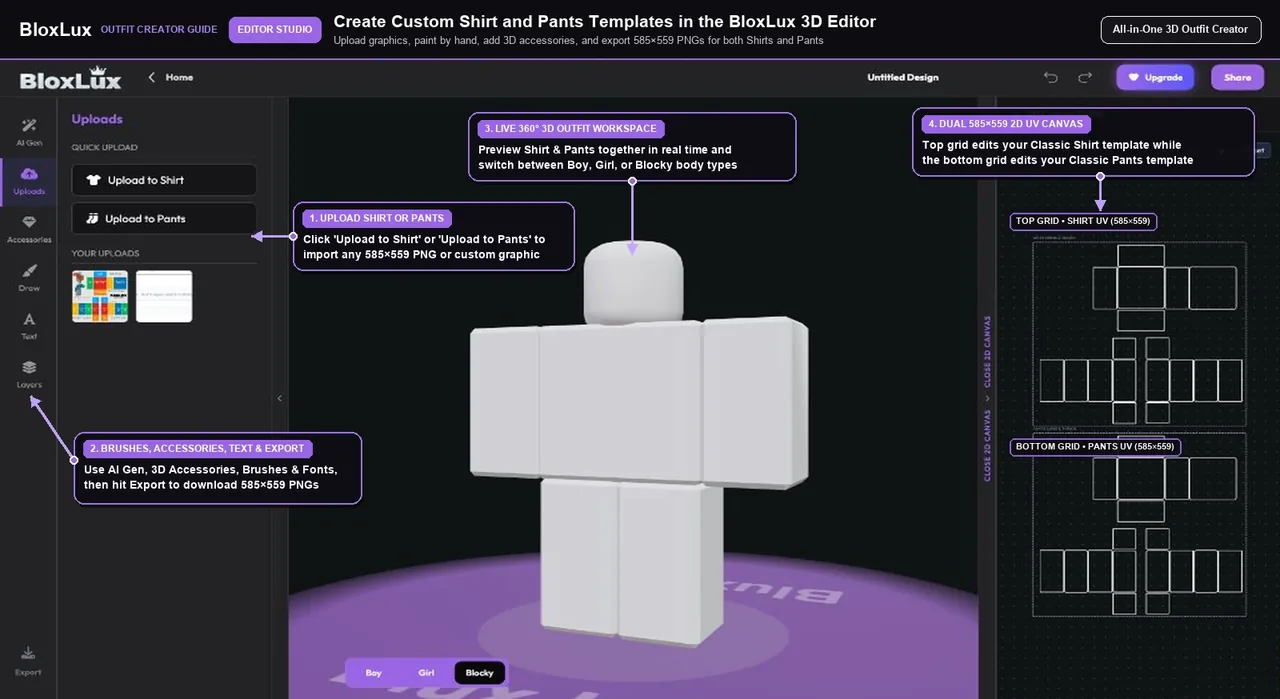
Uploading a transparent 512x512 Roblox T-shirt graphic decal into the BloxLux 3D Shirt Editor
Step 1 • Upload Graphic

Upload Your 512x512 Decal Logo or Tattoo Into the 3D Studio

Open the BloxLux 3D Shirt Editor and click Uploads on the left toolbar. Import your 512×512 PNG logo, meme graphic, or chest tattoo so you can place it onto a real 360-degree 585×559 shirt grid instead of a front-only sticker.

  • Accepts square 512×512 or 128×128 transparent PNG graphics
  • Preserves crisp alpha edges around logos and tattoo linework
  • Updates the live 3D Roblox avatar the instant you place your art
Creator Tip — Center your graphic inside the 128×128 Front Torso square and keep a small 10-pixel gap below the collar.
Upgrade Flat Stickers Into 3D Apparel

Ready to Convert Your Decal Into a 360-Degree Roblox Shirt

Import your 512×512 PNG inside the BloxLux 3D Shirt Editor to add sleeves, collar cutouts, and realistic cloth shading—or check any saved PNG in our 3D Clothing Previewer before uploading.

Open 3D Shirt EditorTest in 3D Previewer
Community Templates Ready to Customize

Popular Graphic Tees and Tattoo Shirts Ready to Remix in 3D

Want to start from a finished 3D graphic top or tattoo outfit? Click Remix in 3D on any design below to swap in your own chest logo or colors inside our editor.

8 Graphic & Tattoo Tops
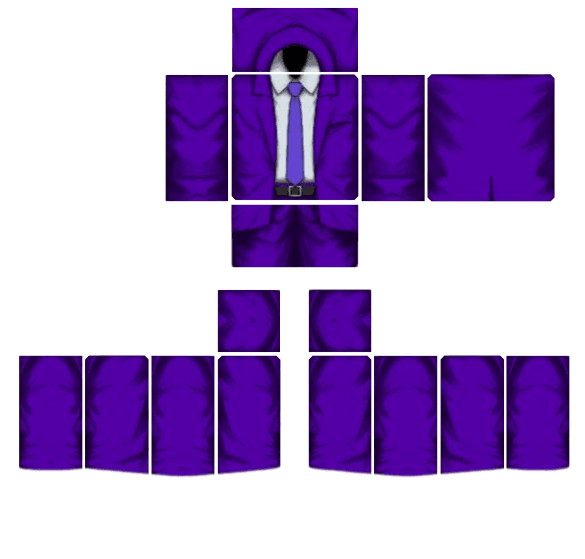
Royal Violet Executive Suit - Transparent Roblox Shirt Template PNG
View Details
Royal Violet Executive Suit
by Beetech Agency585×559
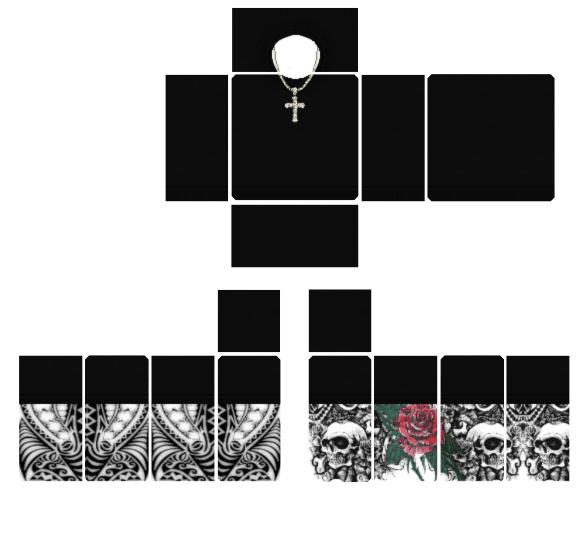
Skull Tattoo Outfit - Transparent Roblox Shirt Template PNG
View Details
Skull Tattoo Outfit
by AWFNIUTYfoltfan585×559
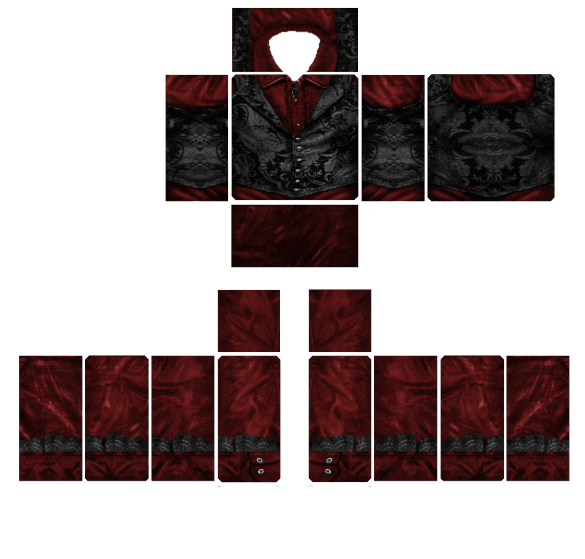
Crimson Gothic Aristocrat - Transparent Roblox Shirt Template PNG
View Details
Crimson Gothic Aristocrat
by MD Kamran Ullah 1462585×559
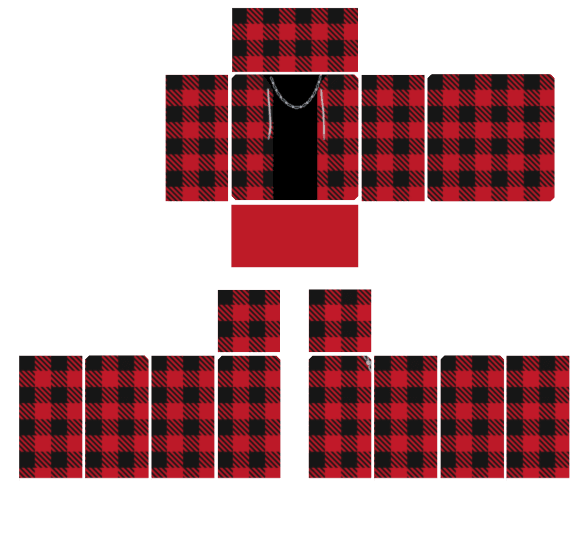
Red Plaid Flannel - Transparent Roblox Shirt Template PNG
View Details
Red Plaid Flannel
by MD Kamran Ullah 1462585×559
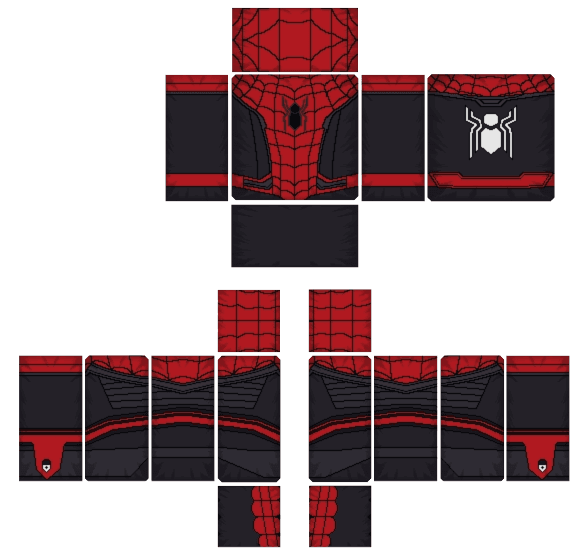
Red and Black Spider Hero - Transparent Roblox Shirt Template PNG
View Details
Red and Black Spider Hero
by MD Kamran Ullah 1462585×559
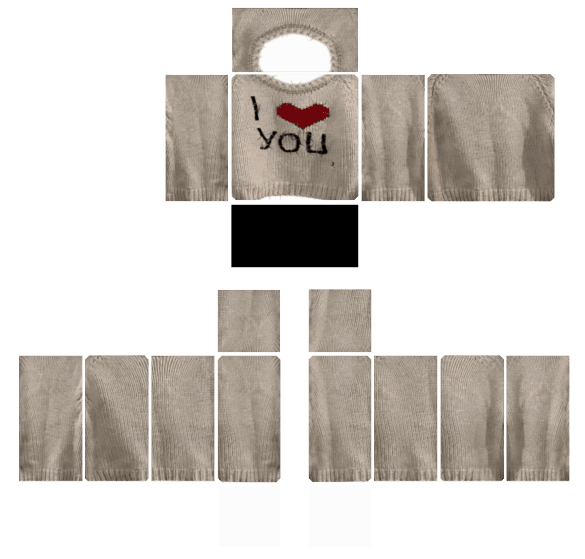
"I Love You" Cream Sweater - Transparent Roblox Shirt Template PNG
View Details
"I Love You" Cream Sweater
by MD Kamran Ullah 1462585×559
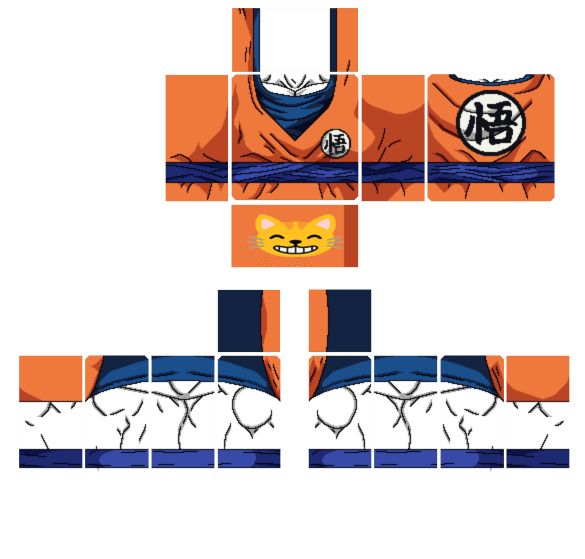
Saiyan Battle Gi - Transparent Roblox Shirt Template PNG
View Details
Saiyan Battle Gi
by MD Kamran Ullah 1462585×559
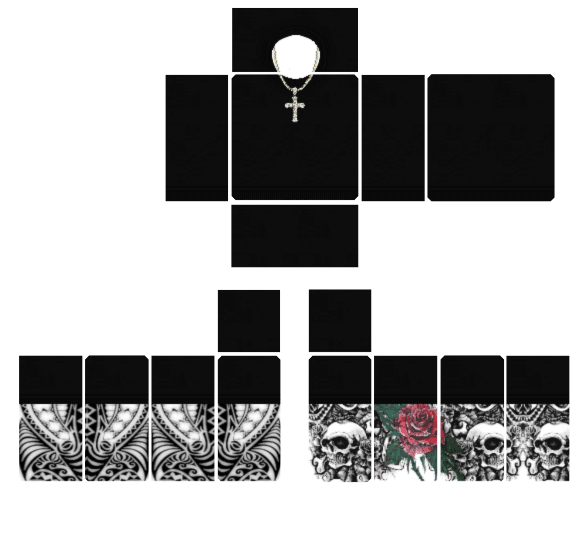
Gothic Tattoo Ensemble - Transparent Roblox Shirt Template PNG
View Details
Gothic Tattoo Ensemble
by MD Kamran Ullah 1462585×559
Open BloxLux 3D Shirt EditorRead Complete Shirt & Pants Guide
Frequently Asked Questions

Common Questions About Roblox T Shirt Templates and Classic Shirts